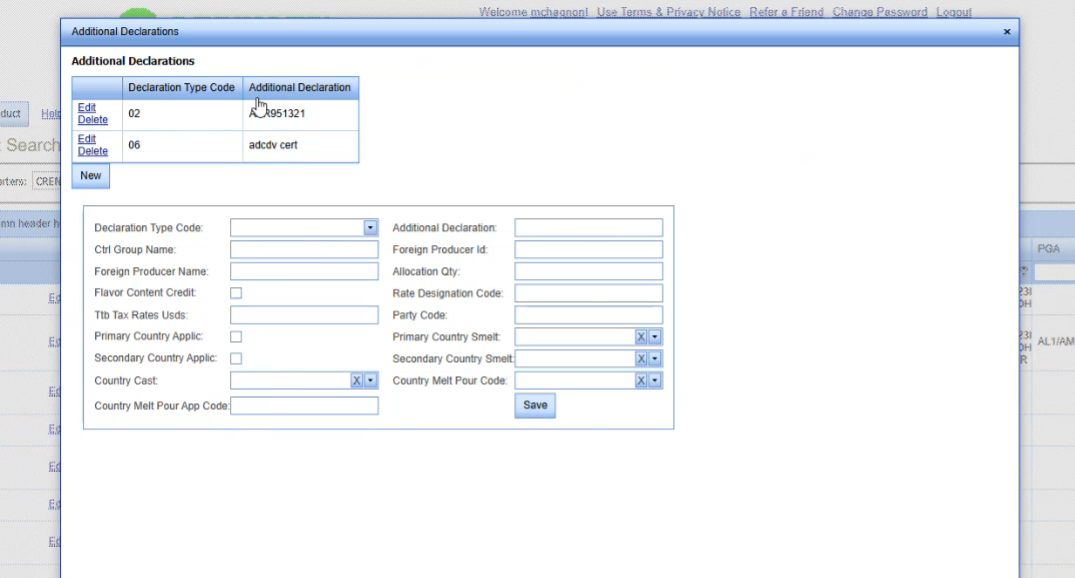
There's multiple declaration types that could apply to your product based on the tariff number, and we're going to do a real simple one.
We will go over all of the fields and then you, the user should know based on the declaration type that you need to apply, what data elements are required for that specific Part Number.
For purposes of this, we pre-built the part and gave it the part number newPR-AddDec02. We're going to do a declaration type 02….
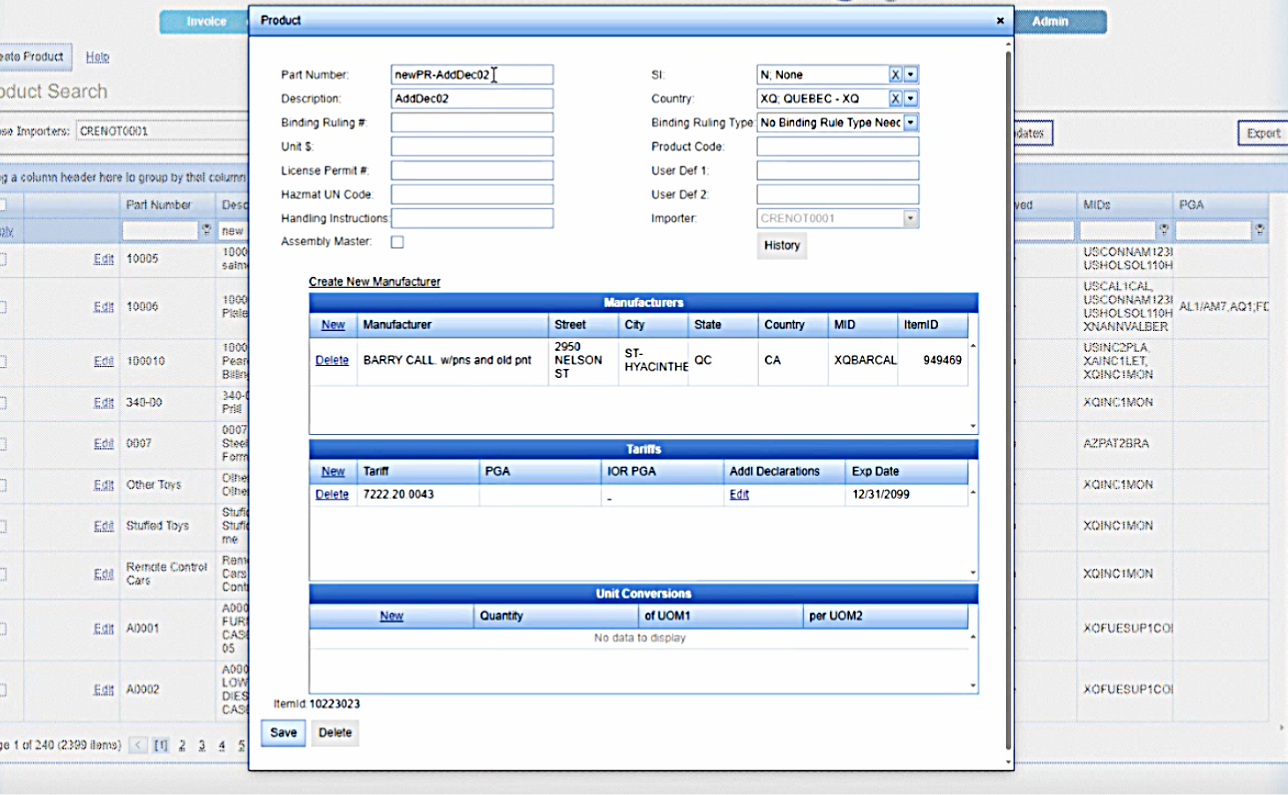
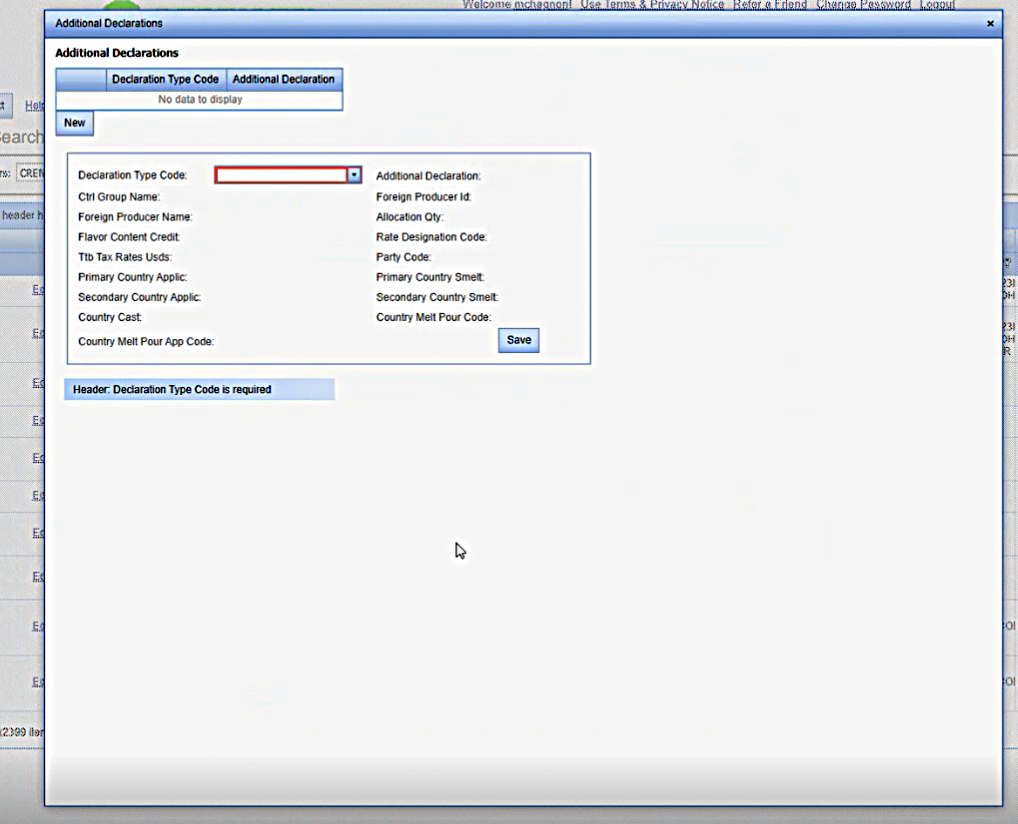
We have saved the tariff number on here, so we now have the edit option under additional declarations in the tariffs area. Again, remember that it is possible to have multiple declaration types on a single tariff and then you would be able to add them when you click on edit and it pops your additional declaration type form.
Here, we select O2 because it's prompting for an O2 and the O6 is a potential for any declaration that you're adding or for any product that you have. So for the example, you might have an O2 and 06 for your product.
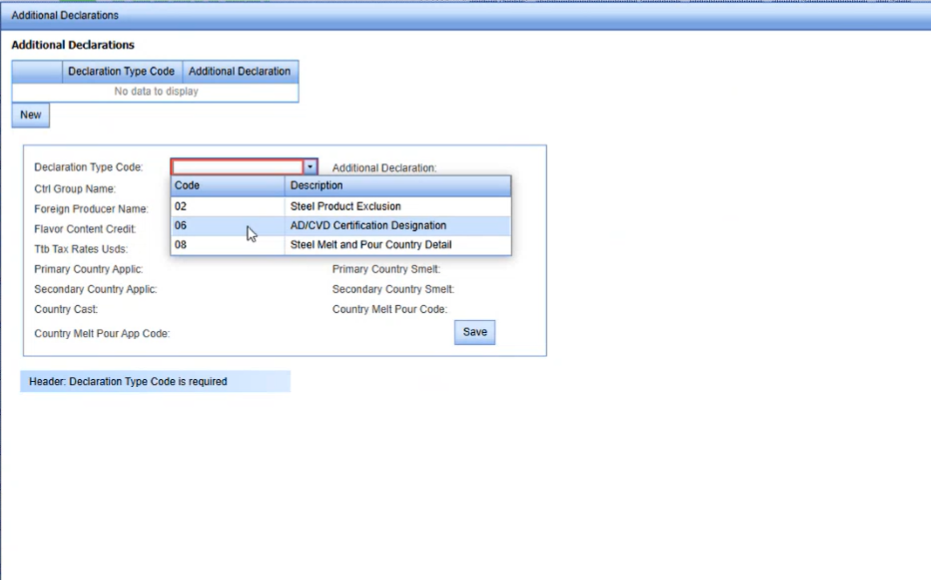
We're going to start with an 02 and the only thing that's required on the 02 is the additional declaration type.
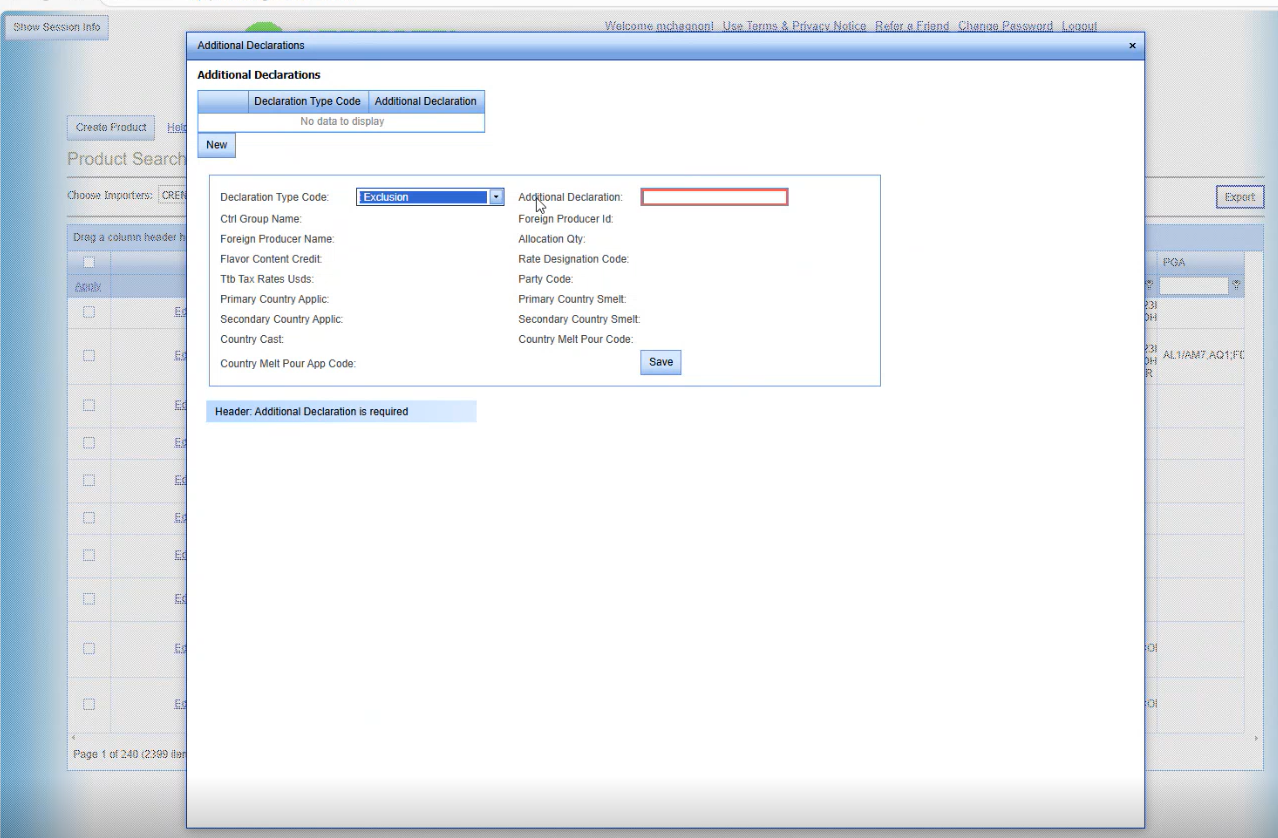
anything that's required is going to be highlighted in red based on whatever type you selected.
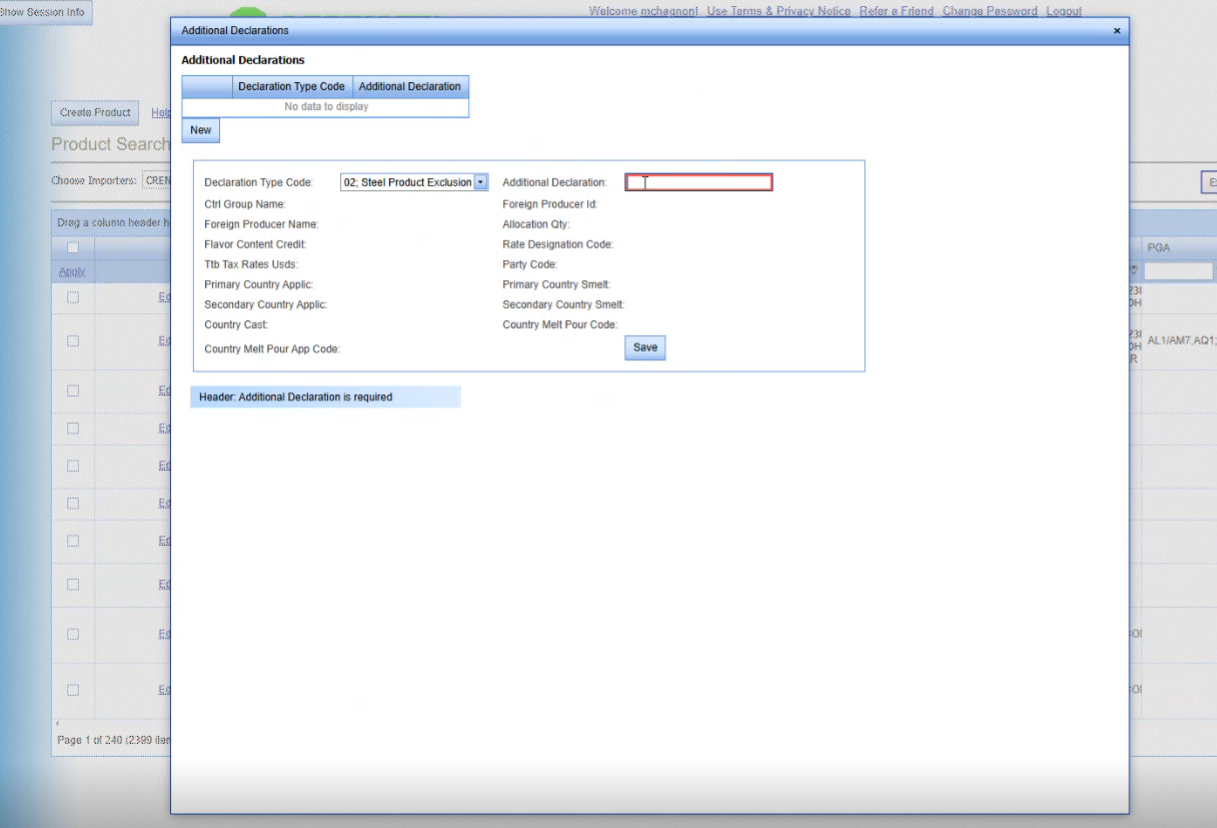
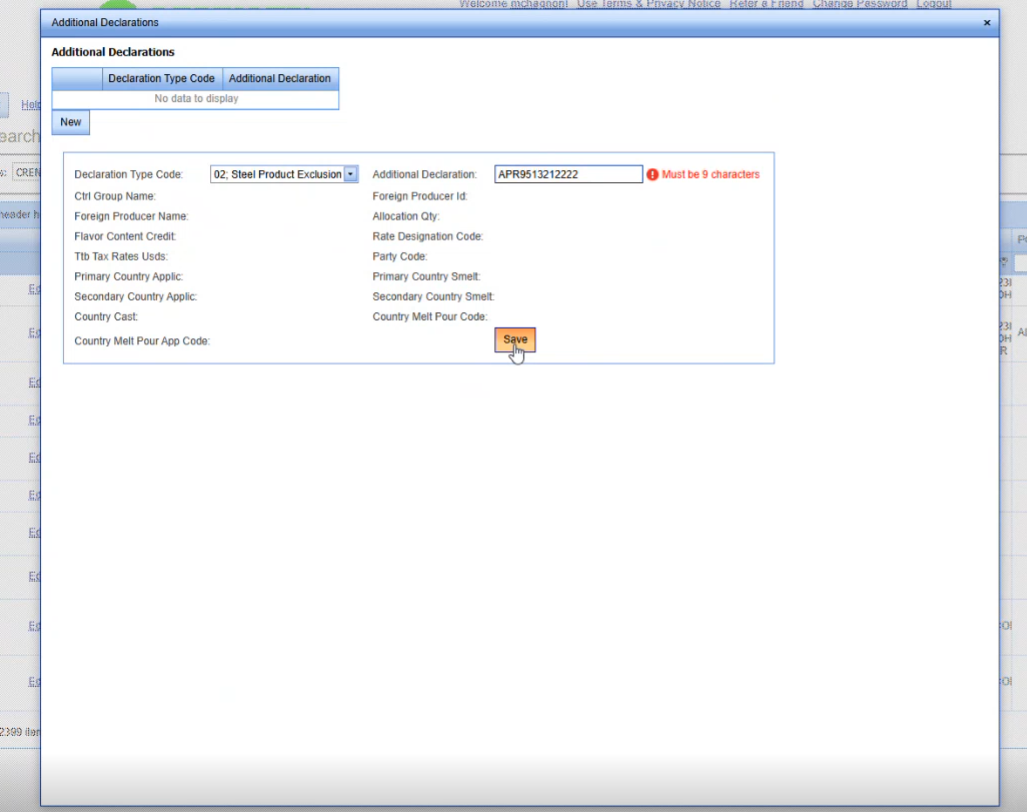
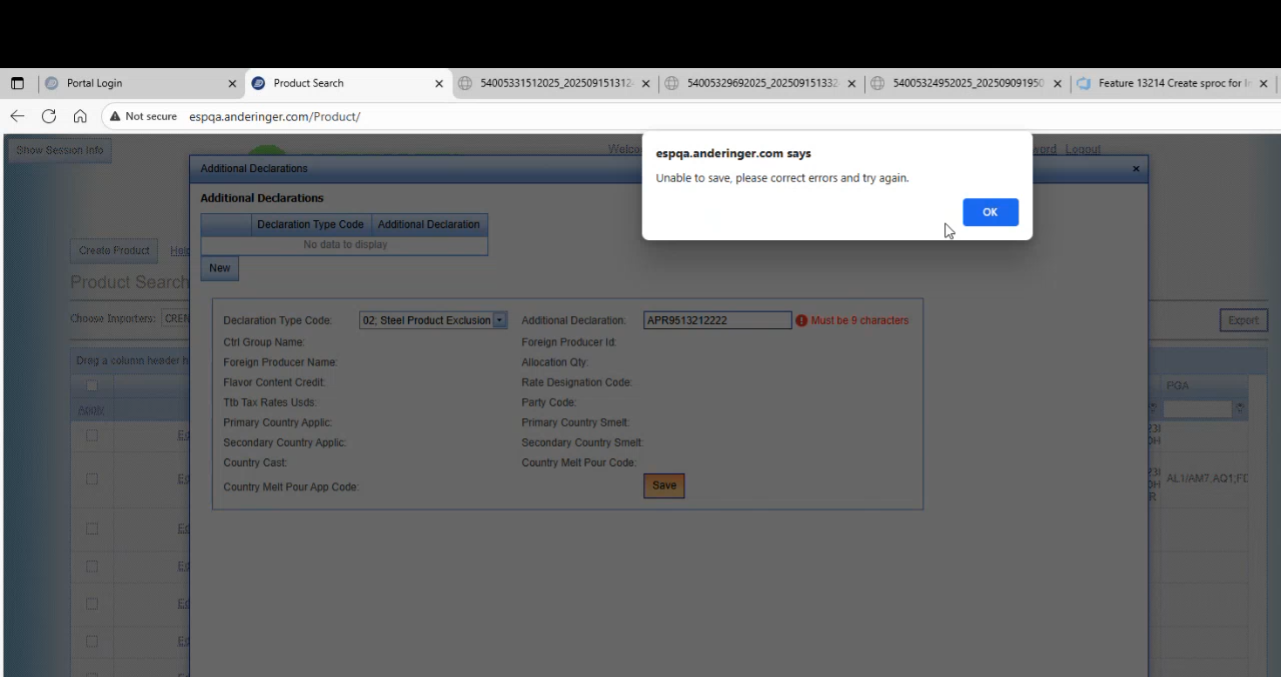
We are going to going to put in a declaration type 95132. And will add some extra characters to the end and we will click on Save and it is going to come up and tell us that it's unable to save, but you also see the validation error here saying that it has to be 9 characters.
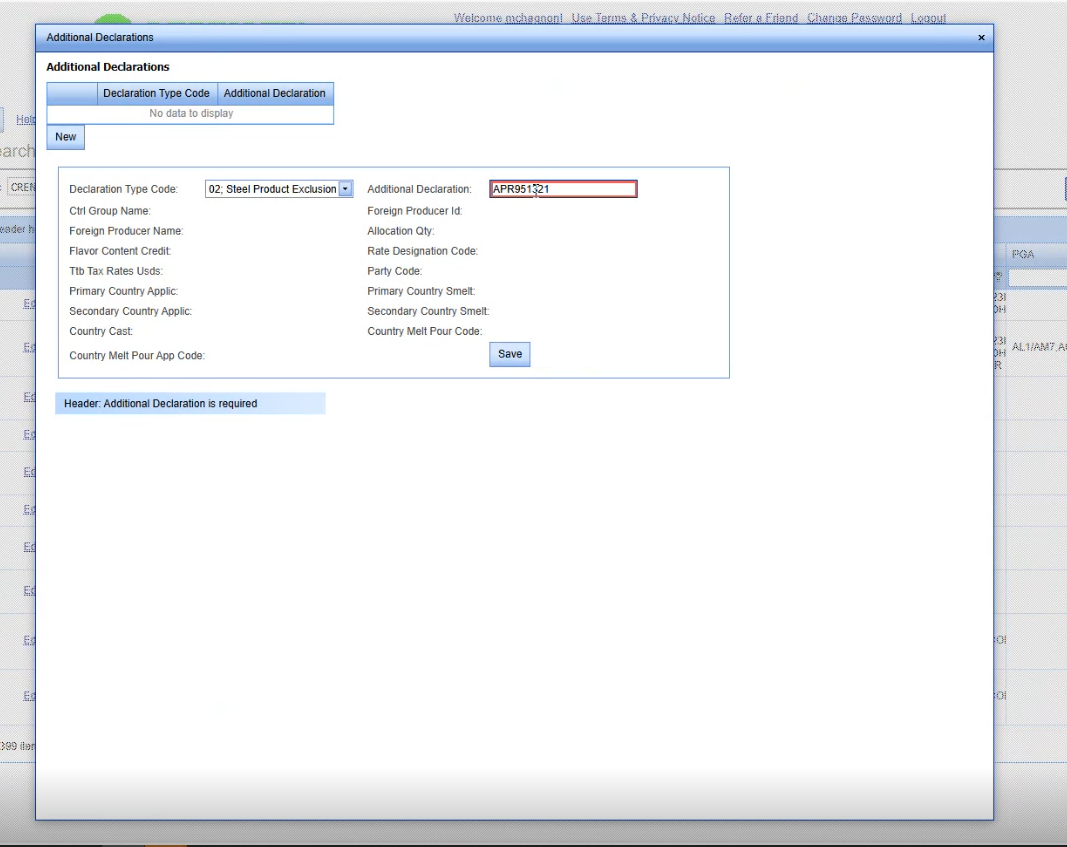
It is going to come up and tell us that it's unable to save, but you also see the validation error here saying that it has to be 9 characters.
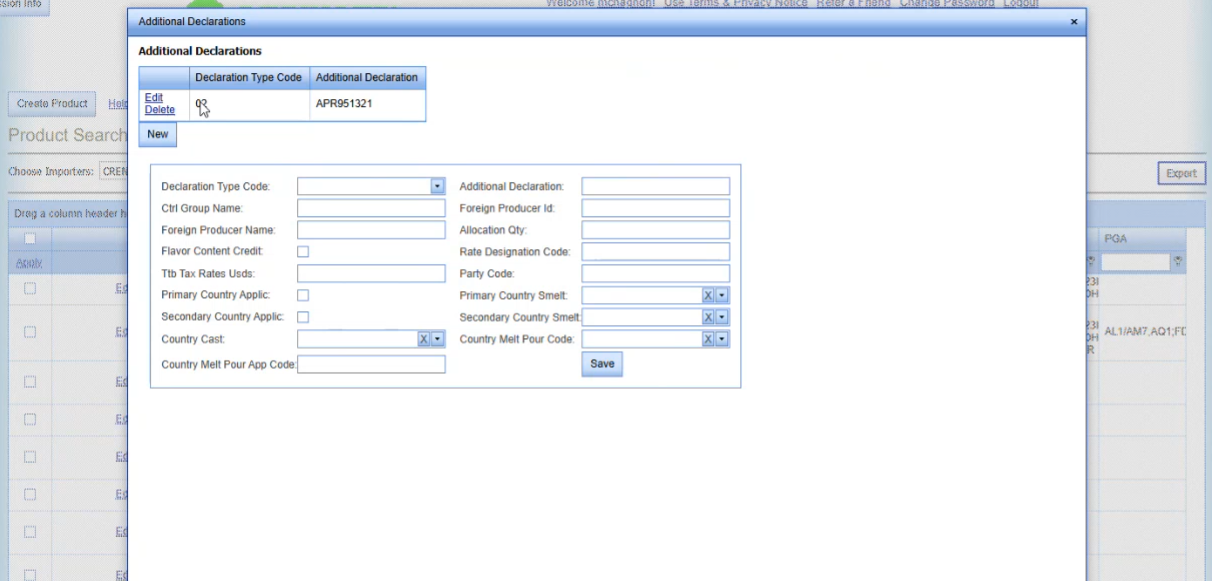
We click on save and it adds it to our summary list up here at the top of the declarations that we are building as templates on this specific product. So that means that every time we ship this product on an invoice line, it's going to automatically pull in this declaration for us.
So We are just going to go ahead and add the 06 here. We'll pretend that it applies. So We've put in the 06, which is your ADCVD certification. What we will enter on this and it'll be consistent across the board is ADCVD space cert. It doesn't matter if you put it in upper or lower case and then click on save.
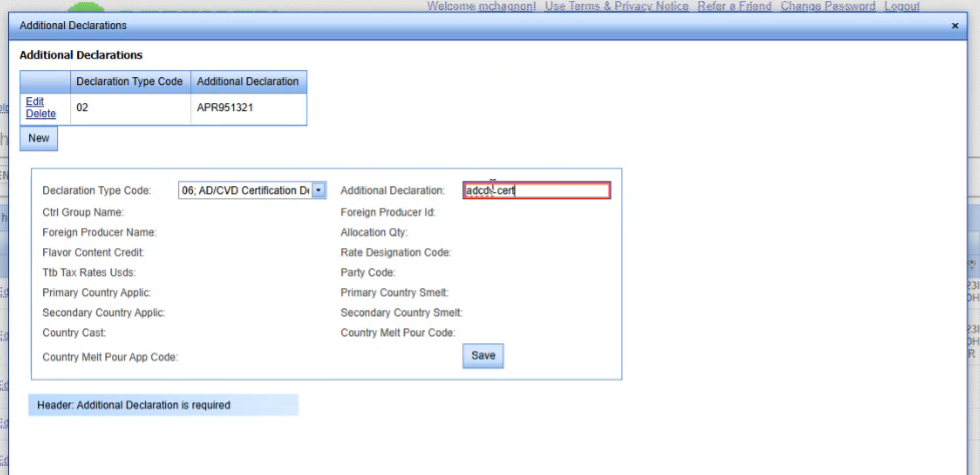
That's it. That's all you need to do for ADCVD. It's always going to be that same value, and we'll say that just those two declaration types apply to this particular product. So at this point in time, I can just click on the X in the top right-hand corner.